Do you ever hear someone talk about cells, or read a blog mentioning workbook and worksheets, and feel a bit lost? Then this post is for you, we’re going to explain some terms to help you understand spreadsheets a bit better.
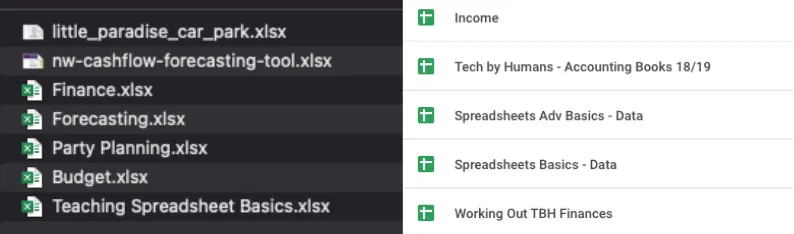
The entire spreadsheet is often called a workbook (mainly in Excel), a spreadsheet or referred to as a Google Sheet or an Excel (I’m not 100% sure this is correct, but it happens). This is the file which you open either in Excel or in your browser for Google Sheets or Excel Online. Each spreadsheet has a name (which defaults to untitled unless you change it).
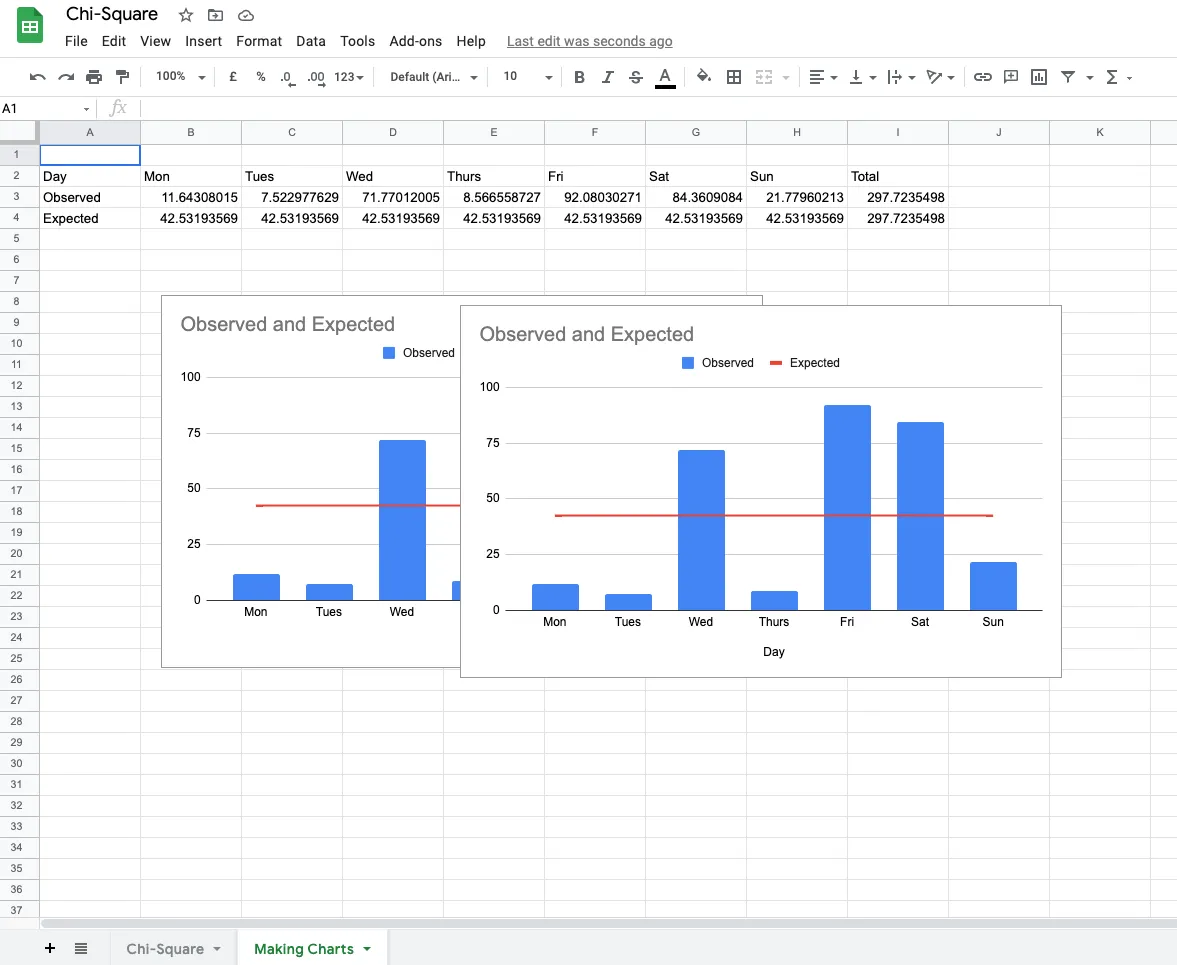
Within each spreadsheet, you can create individual sheets (or tabs or worksheets) to store your data, create charts or write formulas. One or multiple of these sheets make up a spreadsheet. They can easily be added (usually by clicking a plus icon at the bottom of the spreadsheet), renamed and deleted.
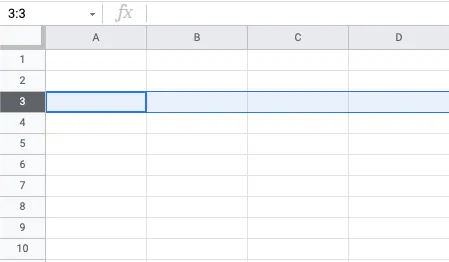
Each sheet is made up of lots of rectangles which can contain data or formulas, these are called cells. Cells are arranged in rows (vertical) and columns (horizontal). Rows have a number reference.
Columns have a letter reference.
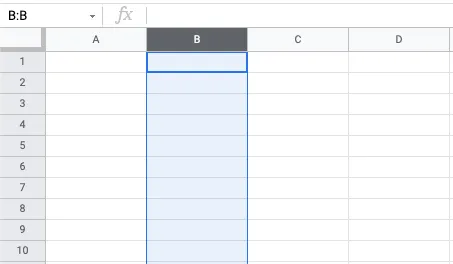
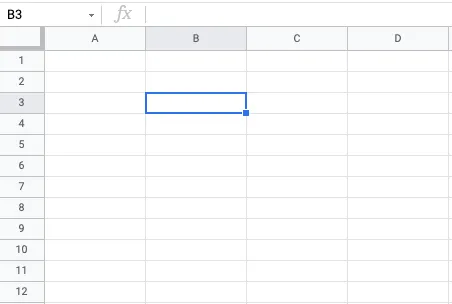
An individual cell reference is made up of a letter (for the column) and a number (for the rows), e.g. A1, G55, AB100.